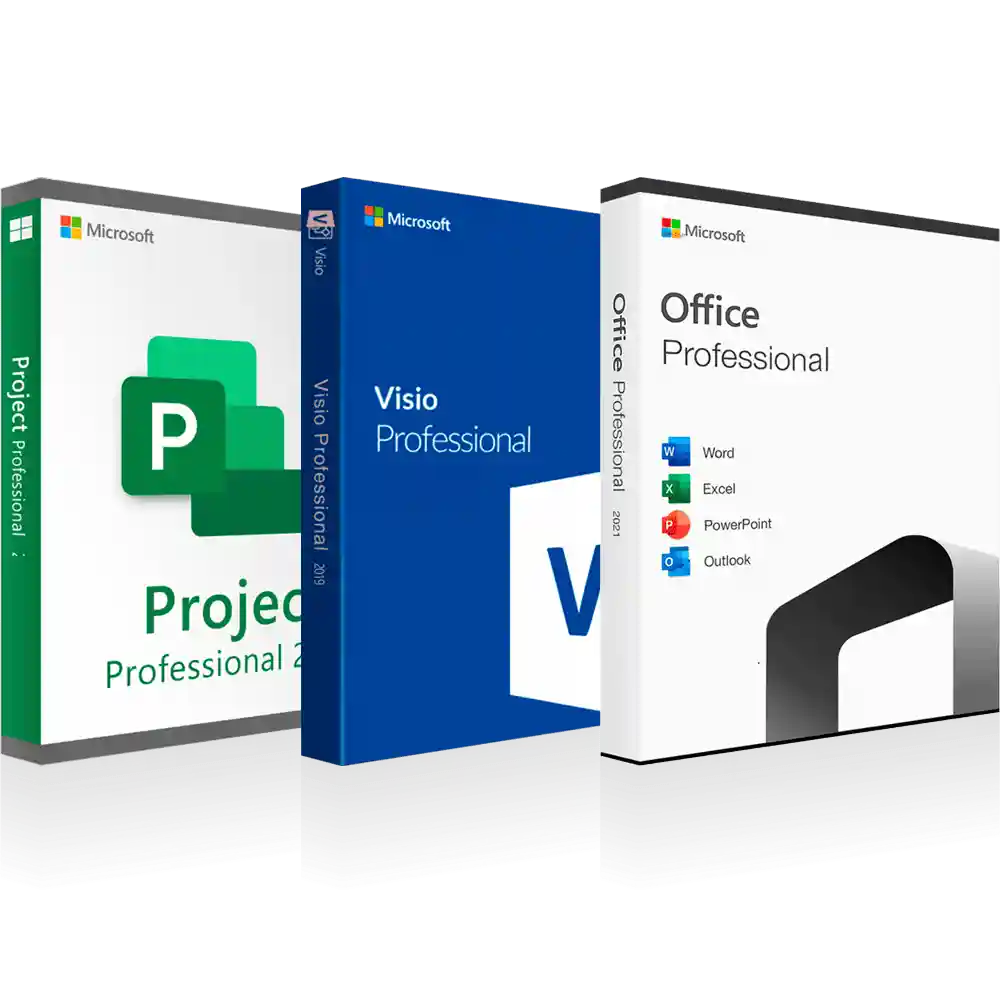
Microsoft Office 2021, Microsoft Project 2021 , Microsoft Visio 2021 | Windows 11 Supported

(141 customer reviews)

Original price was: RsĀ 8,556.Current price is: RsĀ 7,530.

Save big with our Super Saver Combo—Microsoft Office 2021, Microsoft Project 2021, and Microsoft Visio 2021 . Instant codes, 24-hour delivery. Buy now!

20 Items sold in last 3 minutes

1 in stock

112 People watching this product now!
Description
Why the Super Saver 3-in-1 Pack is a Game Changer

Purchasing these applications individually is expensive. The 3-in-1 Super Saver Pack offers:

  • Cost savings – Bundle pricing ensures value for money.

  • Seamless integration – All apps are optimized for Windows and work flawlessly together.

  • One-time purchase – Unlike Microsoft 365 subscriptions, Office 2021 and its counterparts are perpetual licenses.

  • Complete toolset – From spreadsheets and emails to complex Gantt charts and process diagrams, everything is covered.

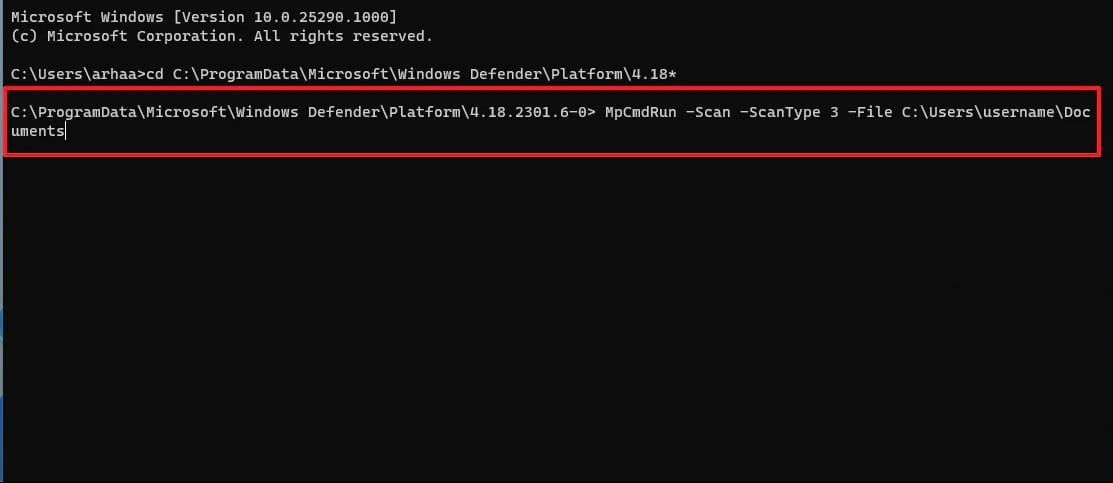
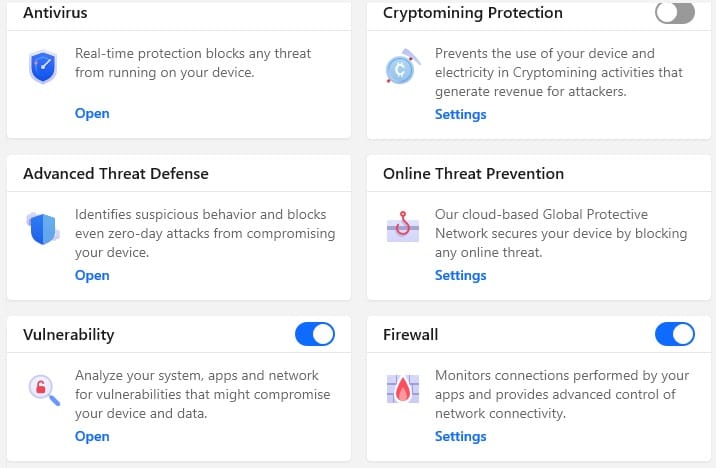
Windows 11 Pro, Office 2021 Pro, and Total Security Antivirus

Features

Part 1: Microsoft Office 2021 – Features & Benefits

Key Features

  1. Classic Office Apps – Word, Excel, PowerPoint, and Outlook.

  2. Enhanced Performance – Optimized for speed and multitasking.

  3. Dynamic Arrays in Excel – Simplifies advanced analytics.

  4. PowerPoint Improvements – 3D models, advanced transitions, and co-authoring.

  5. Security Enhancements – Improved data and privacy controls.

    Part 2: Microsoft Project 2021 – Features & Benefits

    Key Features

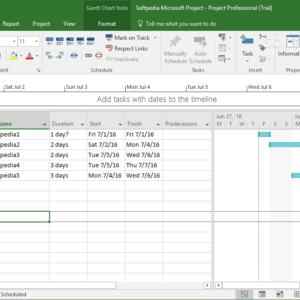
    1. Gantt Charts & Kanban Boards for visual project planning.

    2. Resource Allocation Tools to manage people, budgets, and equipment.

    3. Timeline Comparison for tracking progress vs. baseline.

    4. Pre-built Templates for IT, construction, and manufacturing projects.

    5. Integration with Excel, Outlook, and Microsoft Teams.

      Part 3: Microsoft Visio 2021 – Features & Benefits

      Key Features

      1. Pre-designed Templates for flowcharts, org charts, network diagrams.

      2. Collaboration Tools – multiple users can co-edit diagrams.

      3. Data Linking – integrate diagrams with Excel or SQL data.

      4. IT-Friendly Tools – stencils for system designs and architecture.

      5. Accessibility Upgrades – ADA compliance improvements.

Windows 11 Pro, Office 2021 Pro, and Total Security Antivirus

Installation Guide

Installation Guide for the 3-in-1 Pack

One of the best parts of purchasing the Microsoft Office 2021, Project 2021, and Visio 2021 Super Saver Pack is the straightforward installation process. Here’s a step-by-step guide:

Step 1: Purchase and Download

  • Buy the 3-in-1 pack from a trusted source like Code Forever.

  • You’ll receive a product key and a download link.

Step 2: Download Setup Files

  • Click the provided link to download ISO or EXE setup files.

  • Ensure your PC meets system requirements.

Step 3: Run the Installer

  • Double-click the installer and choose Install.

  • Select the version (32-bit or 64-bit) based on your OS.

Step 4: Enter Product Key

  • When prompted, enter your Code Forever license key.

  • Activation occurs online automatically.

Step 5: Complete Installation

  • Restart your PC after installation.

  • Launch Word, Project, or Visio to verify activation.

Why Choose Codesforever?

Choosing the right vendor for your software is just as important as the product itself. Code Forever stands out for several reasons:

1. Genuine Microsoft Licensing

Code Forever provides authentic Microsoft product keys, ensuring you avoid counterfeit software and compliance issues.

2. One-Time Payment

Forget subscriptions. With Code Forever, you get lifetime access to Office, Project, and Visio with no hidden fees.

3. Instant Delivery

Receive your product key and download link instantly via email, so you can start working immediately.

4. 24/7 Customer Support

Round-the-clock technical support ensures you’re never stuck.

5. Trusted Reputation

Code Forever has built a reputation for reliability, authenticity, and excellent customer service.

FAQ

Is this a subscription or a one-time purchase?

It’s a perpetual one-time license. No renewals required.

Can I install the software on multiple devices?

Licenses are typically valid for one PC, but check your Code Forever package for details.

Do I need internet for installation?

Yes, for activation. After that, apps can be used offline.

Is Code Forever reliable?

Yes. Code Forever offers genuine Microsoft licenses with customer support.

How does this compare to Microsoft 365?

Microsoft 365 requires ongoing payments. The 3-in-1 pack with Code Forever licensing is a lifetime investment.

Conclusion: The Smarter Choice for Professionals and Businesses

The Microsoft Office 2021, Microsoft Project 2021, and Microsoft Visio 2021 Super Saver 3-in-1 Pack is a future-proof investment in productivity, cost savings, and professional-grade tools.

With Code Forever, you enjoy:

  • Lifetime ownership of genuine software,

  • Seamless integration across applications, and

  • Peace of mind with reliable support.

Whether you’re a student, IT manager, engineer, or business owner, this bundle empowers you to work smarter, faster, and more securely.

Reviews (141)

141 reviews for Microsoft Office 2021, Microsoft Project 2021 , Microsoft Visio 2021 | Windows 11 Supported

1-5 of 141 reviews
  1. I have been a long-time user of Microsoft Office, and I was very excited to upgrade to Microsoft Office 2021. I purchased a license key from Codesforever, and I am very happy with the results. The key was easy to activate, and I am now able to use all of the new features. I highly recommend Codesforever to anyone who is looking for a reliable and affordable source of Microsoft Office license keys.

  2. I’m a writer and I use Microsoft Office every day to write my articles and books. I recently upgraded to Microsoft Office 2019 and I’m so impressed with the new features. I’m especially enjoying the improved grammar and spelling tools. I was able to get a great deal on a license key from Codesforever, and I’m so glad I did. I highly recommend Codesforever to anyone looking for a reliable and affordable source for Microsoft Office software.

  3. I’m a small business owner and I rely on Microsoft Office every day to manage my business. I recently upgraded to Microsoft Office 2021 and I’m so happy with the new features. I was able to get a great deal on a license key from Codesforever, and I’m so glad I did. I highly recommend Codesforever to anyone looking for a reliable and affordable source for Microsoft Office software.

  4. Microsoft Office 2021 has been a game-changer for my productivity.

  5. Codesforever’s Microsoft Office license keys are the best value for money I’ve found. They’re always genuine and reliable, and the customer service is top-notch.

Add a review
Currently, we are not accepting new reviews
Must-Read Before Purchasing Our Software

If you have any questions, feel free to contact us by WhatsApp or Write to us at [email protected].

It’s a digital download, which means an activation code and download link are sent via email only.
No CD/DVD/USB has been physically shipped to you
The key is for one (1) device only.
Microsoft Office 2021, Microsoft Project 2021 , Microsoft Visio 2021 (Super Saver 3-in-1 Pack)

It’s compatible with PCs running Windows only. For Mac, kindly contact us.
It may take up to 24 hrs. to deliver the product by email or WhatsApp, but usually, we deliver in a few hrs.
Please read our refund and return policy at the bottom of the page.